A domain is always registered for a fixed period. Once it has been set up, it is easy to forget, until one morning the website won’t open and email isn’t arriving. The reason is often simple: the domain expired and nobody renewed it.
Another common situation is changing registrar. Perhaps the domain was registered years ago in a former employee’s name, or with a service whose price went up in the second year. In this article we go through how renewing a domain works, what follows if it expires, and how to transfer a domain to another registrar without downtime.
A domain is valid for a fixed period
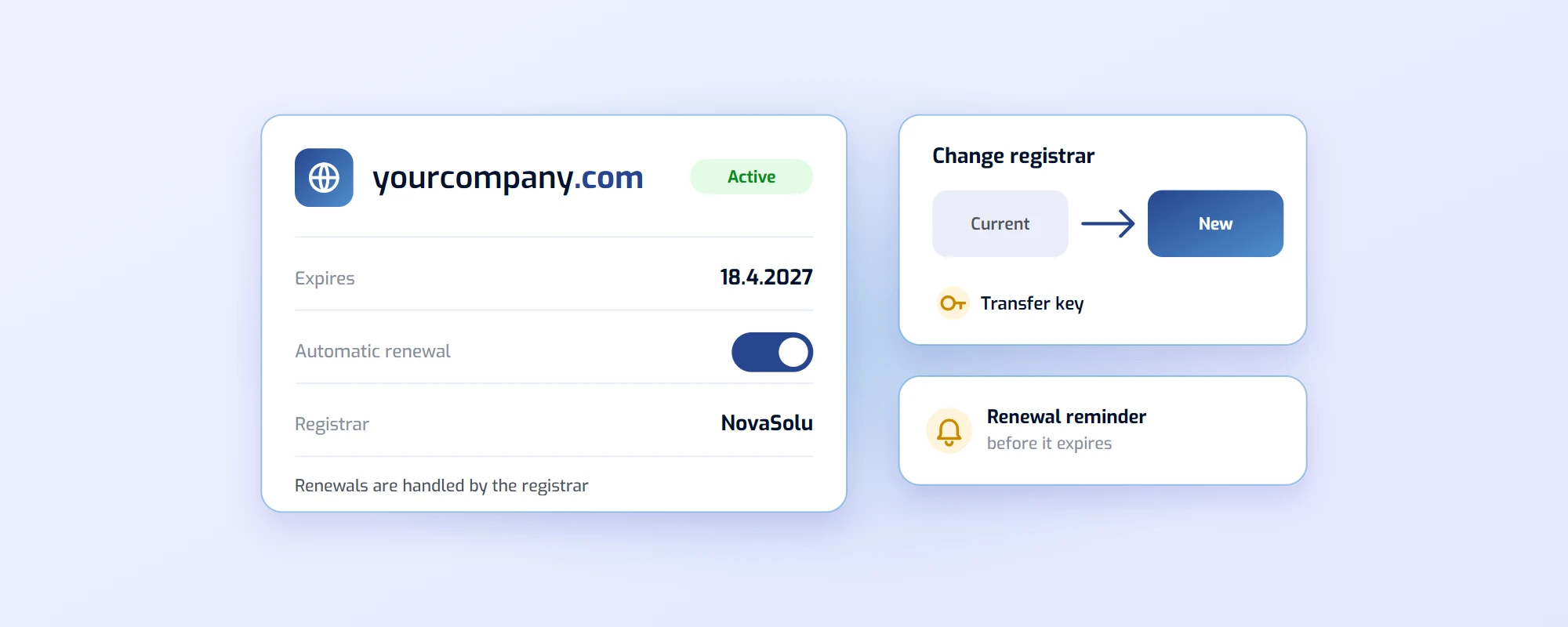
A domain is not bought permanently but registered for a fixed period, usually one year at a time. When the period is about to end, the domain is renewed through the registrar. For .fi domains the Finnish Transport and Communications Agency Traficom maintains the register, but renewals and other changes are always made by the registrar (Traficom: how to get a .fi domain, in Finnish).
When it comes to renewal, keep in mind:
- Price: With many registrars the first year is cheap and the renewal clearly more expensive. Check the renewal price when you register.
- Reminders: The registrar sends a reminder before the domain expires, but only to the email address saved as the contact. If the address belongs to a former employee, the reminder reaches no one.
- Automatic renewal: If the registrar offers automatic renewal, it is the easiest way to make sure the domain doesn’t expire.
What happens when a domain expires?
An expired domain doesn’t disappear immediately. A .fi domain enters a one-month grace period during which the previous holder can still renew it. However, the domain’s services don’t work during the grace period: the website won’t open and email doesn’t arrive (National Cyber Security Centre Finland, in Finnish).
After the grace period the domain becomes available for anyone to register. Expiring domains are systematically registered the moment they become free, so the name can go quickly.
Imagine this: a small accounting firm’s domain expires during the summer holidays. Emails stop arriving, but nobody notices straight away. When the grace period ends, someone registers the domain and points it to an advertising page. An address carrying the company’s name is now held by someone else, and it usually can’t be recovered except by waiting for the new holder not to renew it.
It isn’t only about visibility. Many services let you reset a password by email, so whoever takes over the domain may also get into the company’s accounts. That makes an expired domain a security risk too.
How to check a domain’s status
You can check a domain’s validity in a few seconds:
- Look the domain up with a WHOIS lookup. The result shows the expiry date and the holder, if it is public.
- For .fi domains, Traficom’s .fi domain search shows the same information and also when an expired domain is about to be released.
- Check in your registrar’s service that the contact email is one somebody reads.
- Put the expiry date in your calendar if there is no automatic renewal.
Transferring a domain to another registrar
You can transfer a domain to another registrar at any time while it is valid. The transfer doesn’t interrupt the website or email, as long as the name servers stay the same or the settings are moved at the same time.
A transfer usually goes like this:
- Ask your current registrar for a key. For .fi domains, changing registrar needs a registrar change key; for other extensions (.com, .net and others) a transfer key, or auth code.
- Place a transfer order with the new registrar and give it the key.
- Check the name servers and DNS settings, so the website and email work after the transfer just as before.
- Check the contact details in the new registrar’s service, so renewal reminders reach the right address.
For international extensions such as .com, a transfer usually isn’t possible within 60 days of registration or a previous transfer (ICANN: Transfer Policy). If you have just registered the domain, the transfer has to wait until then.
Transferring to another holder is a different thing
Changing registrar doesn’t change whose name the domain is in. If the domain needs to move to another holder, for example in a business sale, or when the domain is registered in the entrepreneur’s own name but should belong to the company, that is a change of holder.
- For .fi domains you ask your own registrar for the change of holder. The registrar checks the right to transfer, and the holder receives a transfer key to confirm it.
- For other extensions the change of holder is made in the registrar’s service, and some registrars then lock the domain against transfers for a while.
It pays to handle a change of holder before it becomes urgent. If the domain is in a former employee’s name, getting it into the company’s name can be slow.
Checklist: keep your domain under control
- Know where all your company’s domains are registered and whose names they are in.
- Keep an email that is read during holidays too as the registrar contact.
- Turn on automatic renewal or put the expiry dates in your calendar.
- Check the renewal price before comparing registrars on the first-year price alone.
- Don’t give up an old domain until you have made sure it is no longer used for email or account recovery.
Summary
Renewing a domain is a small thing, but forgetting it can stop both the website and email and, at worst, cost the company its name. When you know where your domains are and renewal is automatic, it takes no thought at all.
With us, renewing a domain costs the same as registering it, and you get a reminder before it expires. If you want to transfer your domain to us, you can do it in the client portal, or ask for help at domain@novasolu.com.